Nov 8, 2026 · News
Battlefield 6 Server Browser Release Date Moves Up: Rollout Starts After November 10
DICE moved the Battlefield 6 server browser up from Phase 3. Here is when the two-stage rollout starts, which servers give full XP, and how persistent lobbies work.
Every Battlefield veteran knows the routine. The round ends, the scoreboard flashes, and the squad you just spent 30 minutes building a rhythm with scatters back into matchmaking like a platoon after a mortar strike. You find a great server with a great crowd, and one menu screen later it is gone.
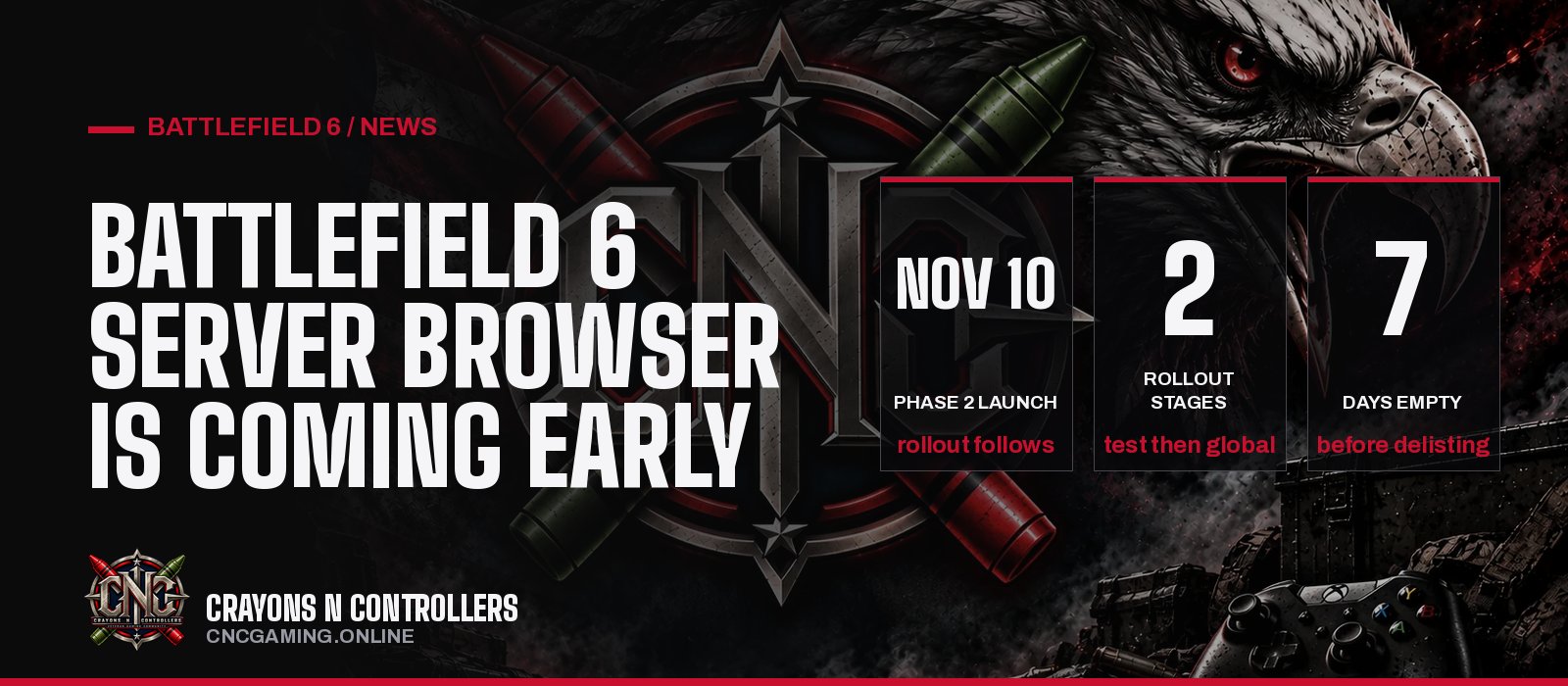
That fix is now closer than anyone expected. In a community update posted November 3, DICE confirmed the Battlefield 6 server browser release date has moved up. The feature was "originally slated for Phase 3 of Season 5," and the staged rollout now begins shortly after Season 5 Phase 2 launches on November 10. Our earlier report on the December 8 server browser plan is now out of date, and this is the version to bookmark.
The short version
- The server browser rollout starts shortly after November 10, earlier than the original Phase 3 target. No exact day yet.
- It arrives in two stages: a limited public scale test, then a full global launch, targeted to take "a couple of weeks."
- Official servers give full XP, weapon mastery and challenge progression, the same as normal matchmaking.
- Persistent lobbies keep your squad on the same server across rounds.
- Player-hosted servers run on dedicated hardware, stay up when the host leaves, and get delisted after seven days with nobody on them.
When does the Battlefield 6 server browser release?
The honest answer: shortly after November 10, with no fixed date. DICE is not putting a day on the calendar yet. The studio says a full how-to guide and exact rollout timing are still to come, and that the plan may shift based on community feedback.
The reason for the early, careful launch is spelled out in one line from the update: "Stability ahead of the holidays is our primary focus." Translation: DICE would rather shake out server load problems in November than have the browser buckle when holiday players flood in.
Here is how the rollout breaks down:
| Stage | Who gets it | What DICE is testing |
|---|---|---|
| Stage 1: Limited Public Scale Test | A limited group of players | Server loads, queue performance, matchmaking backfill |
| Stage 2: Full Global Launch | All players worldwide | Arrives after live metrics are verified and fixes deployed |
Both stages together are targeted to take a couple of weeks, depending on what the live test shows. Our read: if Stage 1 goes clean, the browser should be in everyone's hands well before the December date it originally carried. If it does not, expect DICE to hold Stage 2 rather than ship a broken feature into the holidays.
Where is the server browser in Battlefield 6?
It lives in the Quickplay row. Opening it takes you to a new Official tab that lists active servers. DICE says additional tiles will show up in other menus too, including Portal.
From there you can filter by map or mode and sort by ping, player count, server name or recommended. That last bit matters for anyone who has ever landed on a 140 ping server by accident.
Does the server browser give full XP?
Yes, on the right tabs. This is the detail most players will care about, because a browser that kills your progression is a browser nobody uses. DICE split servers into four tabs, and each one handles backfill and XP differently:
| Tab | Matchmaking backfill | Progression |
|---|---|---|
| Official (Studios) | Full matchmaking | Full XP and mastery |
| Official (Player-Hosted) | Full matchmaking when running active rotation modes | Full XP and mastery |
| Verified | Player and bot fill, direct browser join | Full XP |
| Custom | Direct browser join and community invites | Partial XP |
The key change: Quickplay, Multiplayer, Custom Search and the server browser now share one official server pool. Matchmaking feeds the same servers you can see in the list, which should keep browser servers from turning into ghost towns.
Portal tools and admin controls in the Verified and Custom tabs stay as they are.
Our read: the shared pool is the smartest call in the whole update. Plenty of shooters have launched a browser that split the playerbase in half. Tying the browser to matchmaking backfill avoids that trap on paper.
How do player-hosted servers work?
Player-hosted servers run on dedicated servers, so the person who started one does not have to stay in the match to keep it alive. The rules from the update:
- Empty servers stay visible in the list, but matchmaking will not fill an empty server until at least one player joins.
- A server is delisted after seven consecutive days with no players. Every join resets that timer.
- Servers running off-menu modes (modes not currently on the Quickplay or Multiplayer menus) do not get automatic backfill. They get it back if that mode rotates onto the menus again.
That last rule is the catch for niche communities. If your group loves a mode DICE has rotated out, your server will live or die on people finding it in the browser.
What are persistent lobbies?
Persistent lobbies keep you and your squad on the same server across consecutive rounds instead of kicking everyone back to the menu. How you join decides how that works:
- Join through the server browser and you stay on that server through its full map rotation.
- Join through Quickplay or Multiplayer and you get re-queued at the end of a round on servers that repeat the same map and mode, such as 24/7 servers.
- Custom Search sends you to another server that matches your filters if the current server's next map does not.
Our read: this is the feature that brings back the old Battlefield feeling of a "home server," where the same names show up night after night and rivalries form. It also stacks nicely with the new infantry content in Season 5 Phase 2 and the Casino Heist event.
On CNC: every Battlefield 6 map and mode and every weapon and how it unlocks.
FAQ
What is the Battlefield 6 server browser release date?
DICE has not named an exact day. The staged rollout starts shortly after Season 5 Phase 2 launches on November 10 and is targeted to reach all players within a couple of weeks.
Will everyone get the server browser at once?
No. Stage 1 is a limited public scale test for a smaller group of players, and Stage 2 is the full global launch once DICE verifies live metrics and deploys any fixes.
Do I earn XP on server browser servers?
Official servers (both Studios and Player-Hosted) give full XP, weapon mastery and challenge progression. Verified servers give full XP, and Custom servers give partial XP.
Does the host have to stay in a player-hosted server?
No. Player-hosted servers run on dedicated servers, so the match keeps going after the host leaves. A server is delisted only after seven straight days with no players.
Where do I report server browser bugs?
DICE asks players to report issues on the EA forums. Updates come through the BattlefieldComm account on X and Steam Discussions.
What this means for CNC
This is the update our community has been asking for. A persistent server means CNC squads can set up a regular night, stay together round after round, and actually build the kind of crew that makes Battlefield special. Once the full launch lands, watch the Battlefield 6 hub and our Discord for a CNC server and squad nights. If you get picked for the Stage 1 test, tell us how it runs.
By CNC Gaming
Sources: EA, Battlefield 6 Community Update: Server Browser Coming Soon; Steam, Battlefield 6 Community Update; MP1st